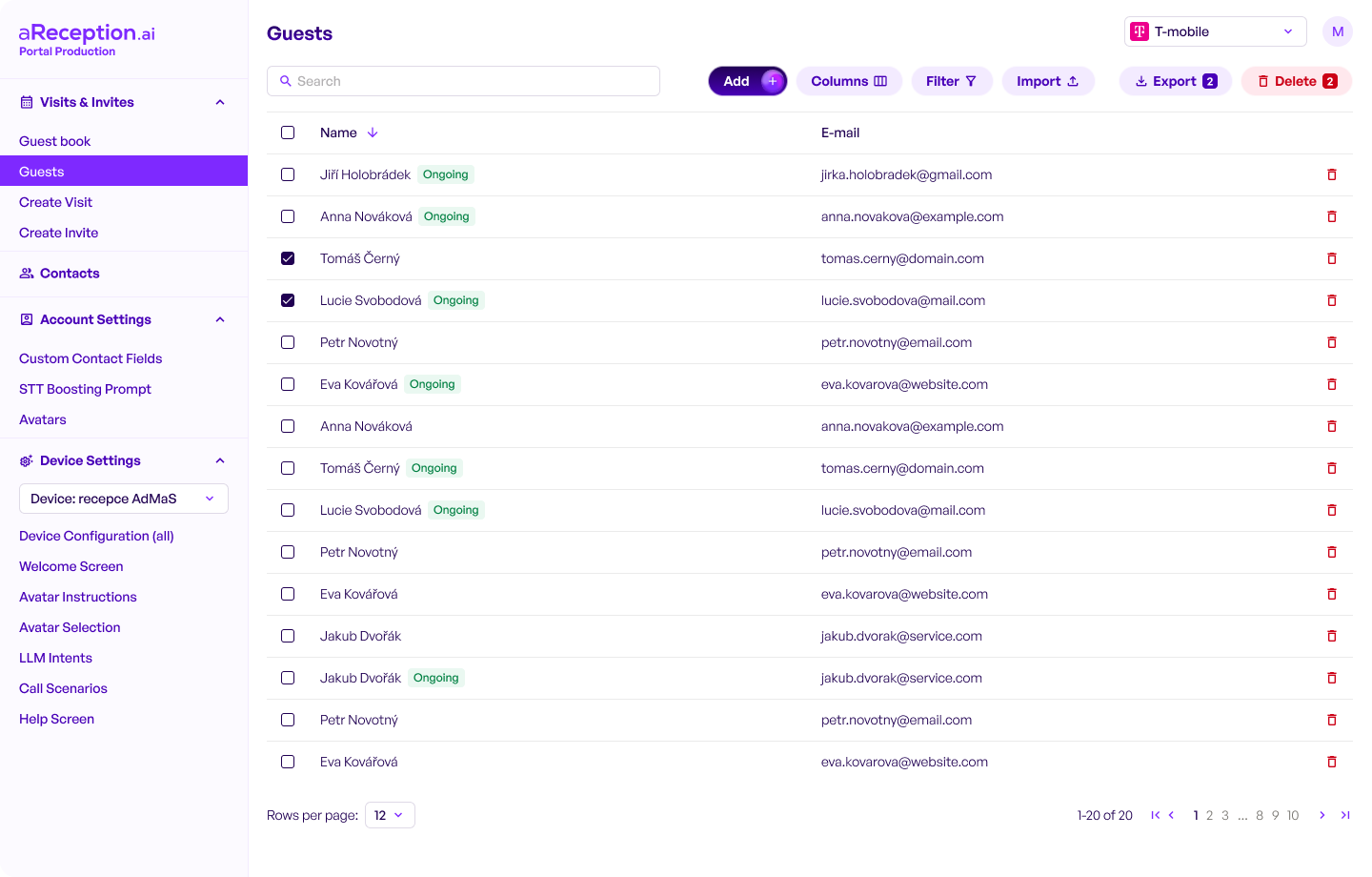
The Visitor Management Portal (Client Portal) is the central place where you configure and manage your aReception visitor workflows — from invites and scheduled visits to guest registration, security documents (GDPR/NDA/safety rules) and device settings.
Use this portal to keep your reception fully digital and consistent across locations and devices.
Quick access: Open the portal here
What you can do in the Portal
- Manage Visits & Invites (create, edit, track)
- Guest book (walk-in registrations and history)
- Create Visit / Create Invite (quick actions)
- Contacts (employees, departments, notification targets)
- Account Settings (company profile, roles, permissions)
- Outcome Contact Fields (custom form fields / data you collect)
- Avatars & Prompts (tone of voice, instructions for the digital receptionist)
- Device Settings (connect devices, configure kiosk/terminal behavior)
Typical workflows
Scheduled visitor
- Create an invite / scheduled visit
- Visitor arrives → registration on kiosk/terminal
- Optional: document signing (GDPR/NDA/safety)
- Host notification → visitor guidance / badge printing (if enabled)
Walk-in visitor
- Guest registers in Guest Book
- Optional: document signing
- Host notification
The Portal helps you comply with GDPR by controlling what data is collected, who can access it, and how long it is retained. You can also enable mandatory document signing (GDPR consent, NDA, safety rules) as part of the check-in flow.
Roles & permissions
- Admin vs Operator/Reception vs Viewer